Hand off the busywork. Keep the final say.
Ask in plain words, like you would ask a colleague. Opengeni does the work in the tools you already use, asks before anything risky and stays inside your budget.
Desktop app for Mac, Windows and Linux, or any browser, including your phone's.
The work that eats the day, done.
No code and no setup per task. Ask for the result you want and get it back finished.
Record the call on your computer. It writes the notes and files every action item.
It asks before anything risky. And keeps to budget.
Approve from a notification on your desktop, or from the inbox in Opengeni in any browser.
Asks before anything risky
Set each action to Allow, Ask first or Block. Only a person can approve.
Keeps to budget
A monthly budget for the workspace and a limit for every member. No surprise bills.
Shows its work
Every step it took is in the chat, so you can see what it did and why.
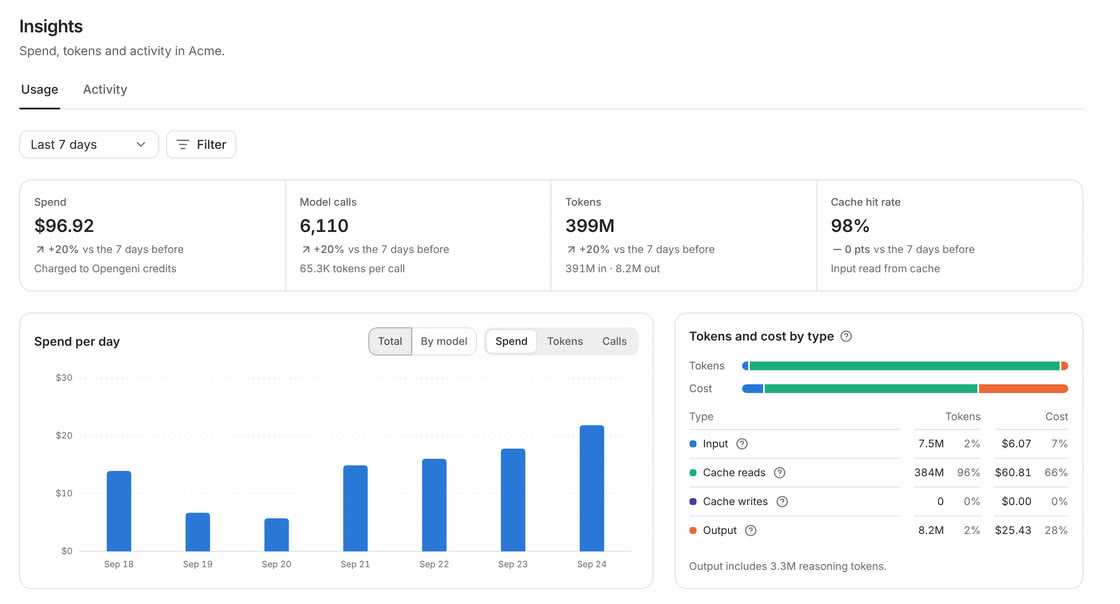
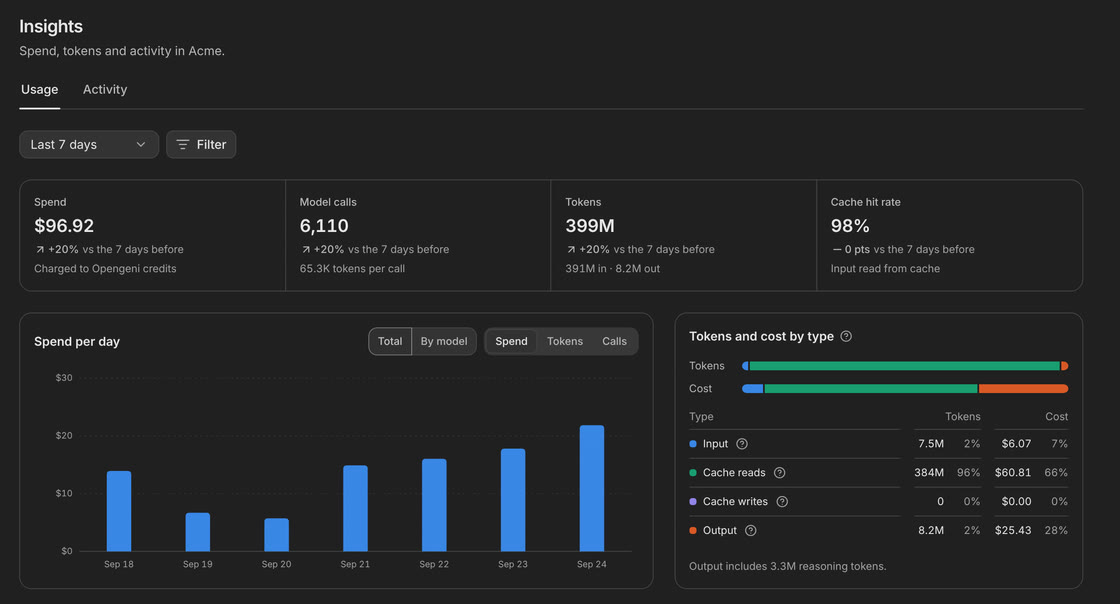
Keep track of your team. And what it costs.
See what the agents did and what it cost, broken down by person, model, automation and project, over any period.
Works the way teams work.
Set up once
Connect your tools and set the rules once. Everyone in the workspace gets the same agents.
A workspace per team or client
Each with its own people, tools, knowledge and budget. Nothing leaks between them.
Work together
Share a chat with your team. Anyone can add to it and the agent keeps up.
At your desk or on your phone
The desktop app for Mac, Windows and Linux, or any browser. Work keeps going after you close the lid.
Good to know.
Do I need to be technical?
No. You ask in plain words, like you would ask a colleague. Someone sets up the tools once for the team, and everyone else just starts asking.
What does it cost?
You can start free. Each workspace can have a monthly budget and a limit for every member, and work stops when the budget is used up, so there are no surprise bills.
Do we need to install anything?
No. Opengeni works in any browser, including your phone's. The desktop app for Mac, Windows and Linux is there if you want it in a window of its own.
Give your team a hand with the busywork.
Start free in your browser, or download the desktop app.
Free to start with monthly trial credit. Pro is $20 a month for $100 of app credit, 5× what you pay. On Pro, Max and Enterprise, use your own AI subscription with no Opengeni inference fee, in the app only, never through the API. See pricing