Public, or for your team only
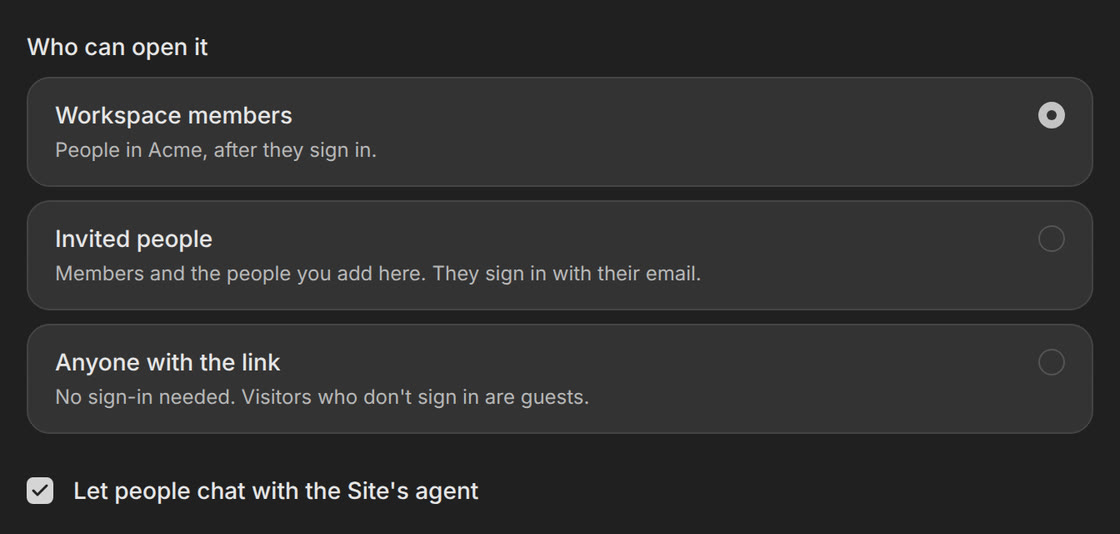
Choose who can open each site: anyone with the link, only people in your Opengeni workspace, or people you invite by email. Private sites ask visitors to sign in first.
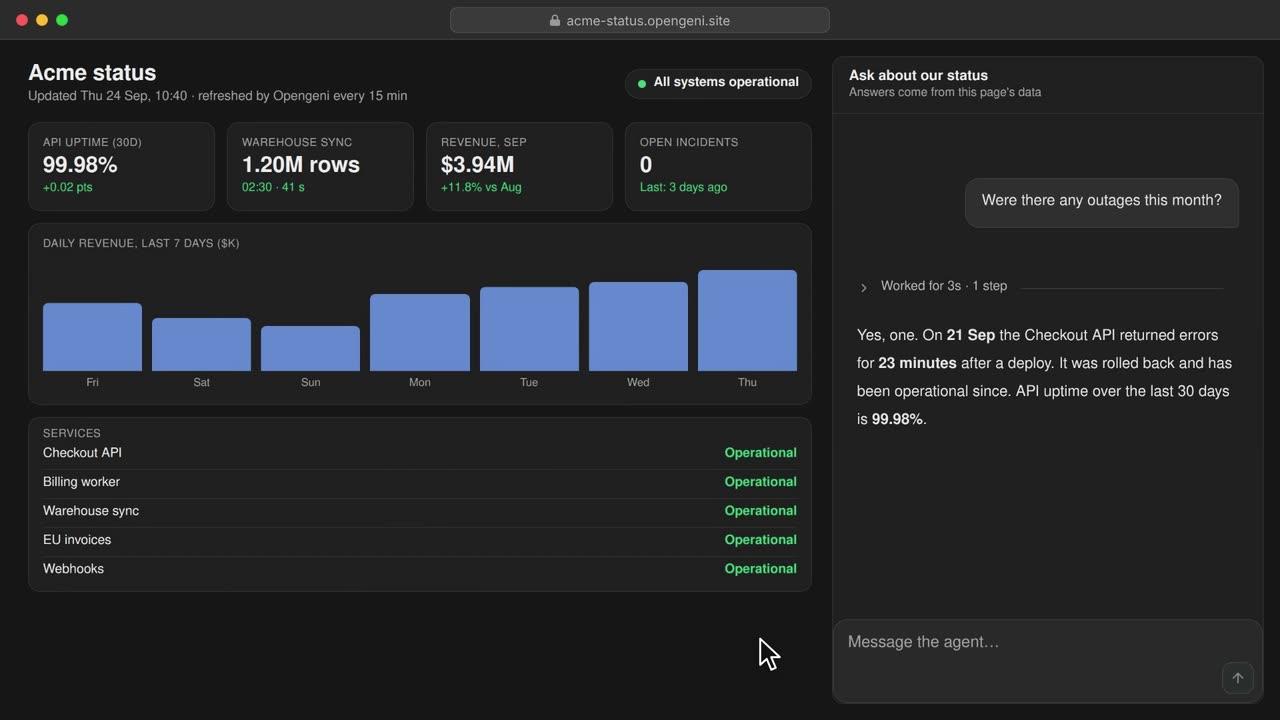
Reports pasted into chat get lost and go stale. Agents build sites with their own database, keep them up to date and publish them to the web in a click.
Choose who can open each site: anyone with the link, only people in your Opengeni workspace, or people you invite by email. Private sites ask visitors to sign in first.
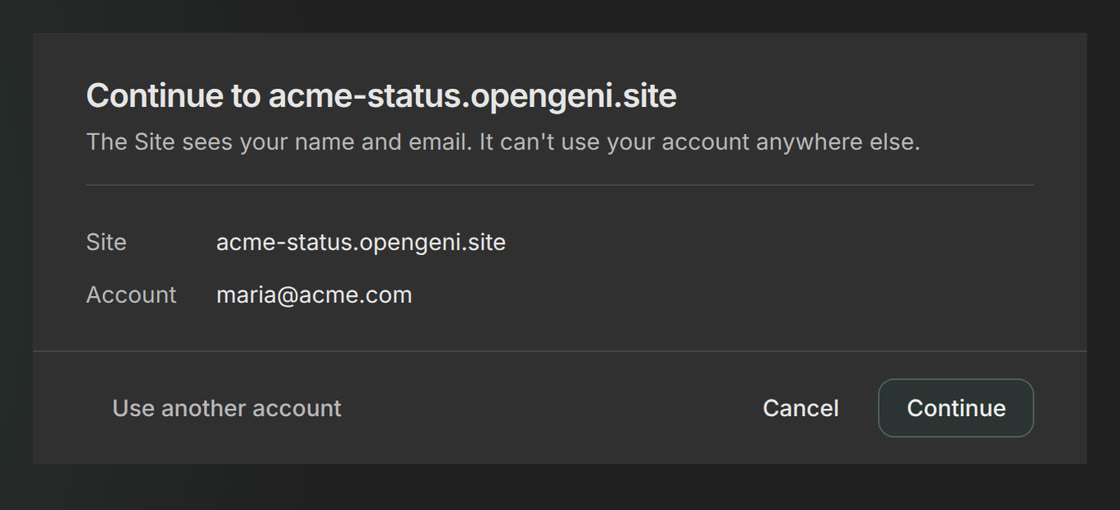
Visitors sign in with their Opengeni account. The site sees their name and email, never a password, and invited guests see nothing else in your organization.
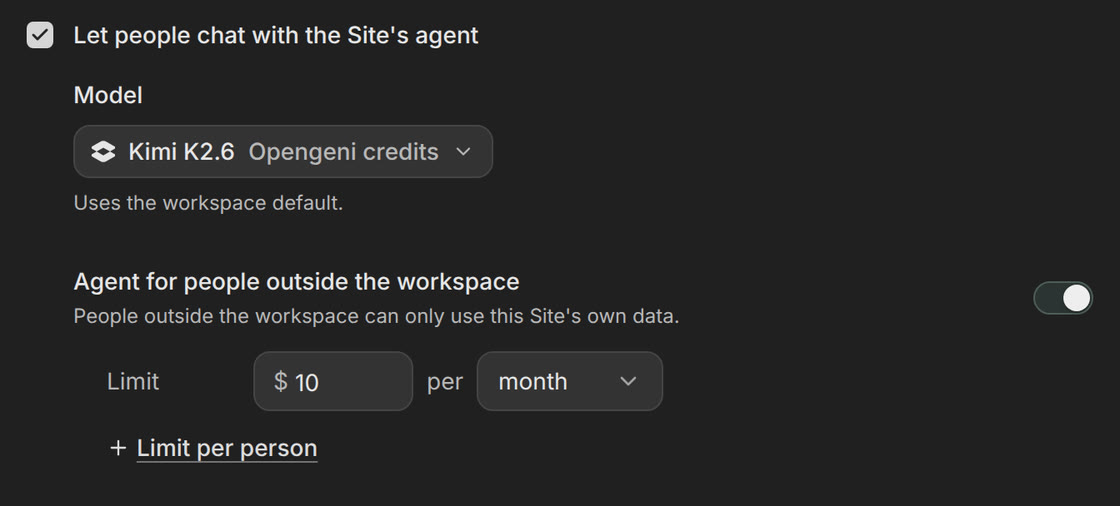
Turn on the site's agent and visitors can chat with it right on the page, about the site's own data. You pick the model and set a spending limit for people outside your workspace.
Each site gets records, files and a SQL database, so it can store and show real data and take sign-ups or form entries.
Publish at its own address on opengeni.site, then let a schedule refresh it, so a dashboard stays current on its own.
Ask Opengeni for an edit. Every version is kept, so you can always go back.